Scroll less, with a little buddy.
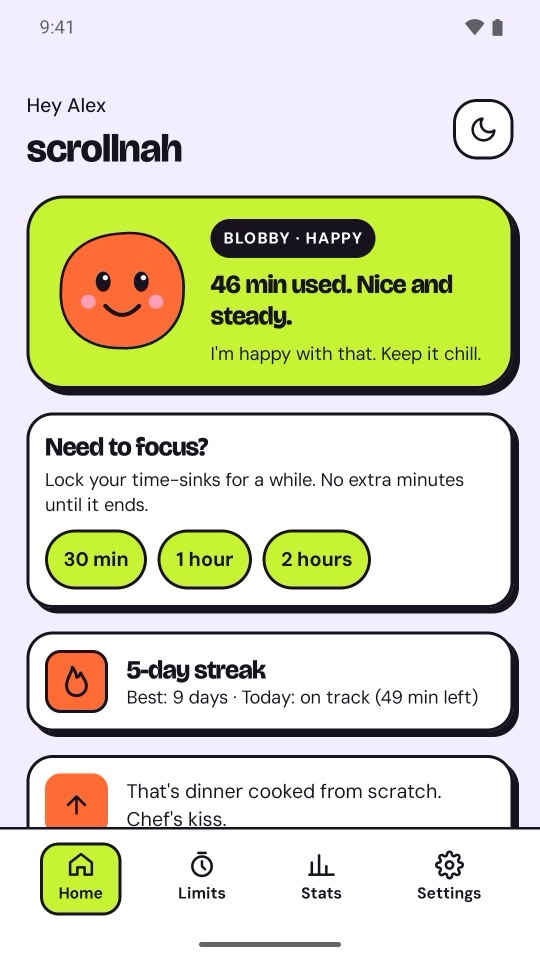
ScrollNah is a tiny Android app that helps you cut back on endless scrolling. Set a daily budget for the apps that eat your day, and Blobby or Bloomy reacts to every minute.


A friend who notices, not a strict teacher.
Most screen-time apps make you feel bad. ScrollNah keeps it light, and still gets you to put the phone down.
A buddy, not a nag
Blobby melts if you overdo it. Bloomy grows when you don't. No guilt trips, no lectures.
A pause, not a ban
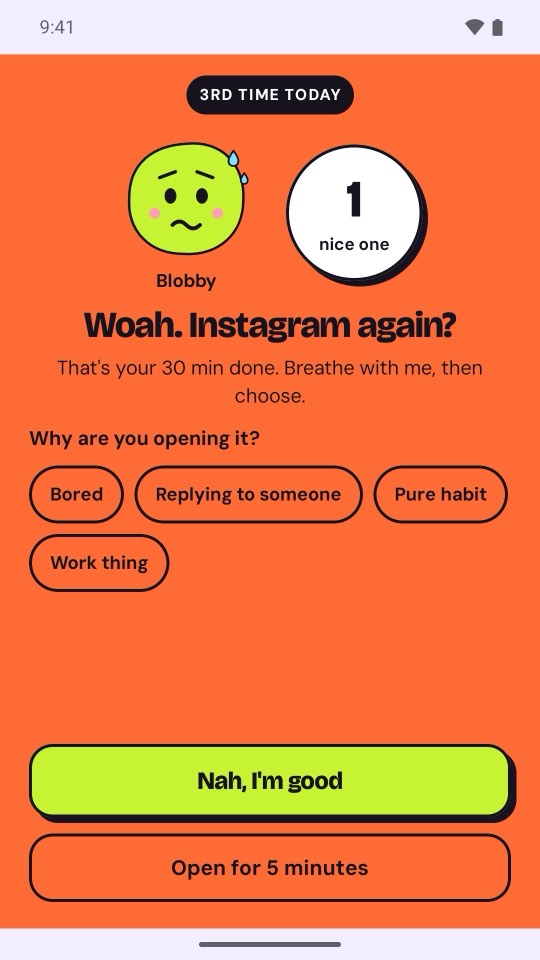
A slow breath before you reopen an app. You still decide, and you pick how strict it is.
See where your time goes
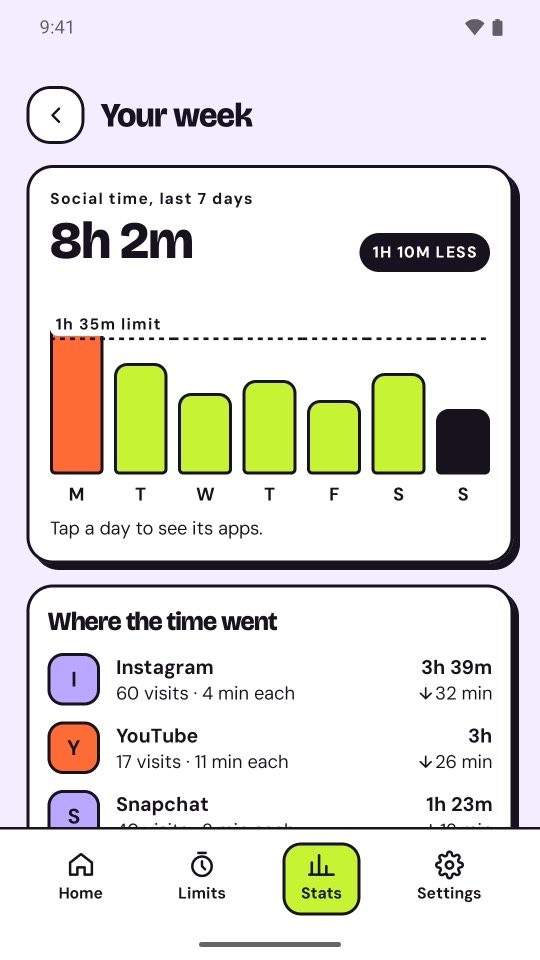
A weekly report of your apps, your days and your busiest hours.
Private and tiny
No account, no ads, about 1.5 MB. ScrollNah has no internet access, so nothing leaves your phone.
Everything it does
All of it runs on your phone.
Daily limits
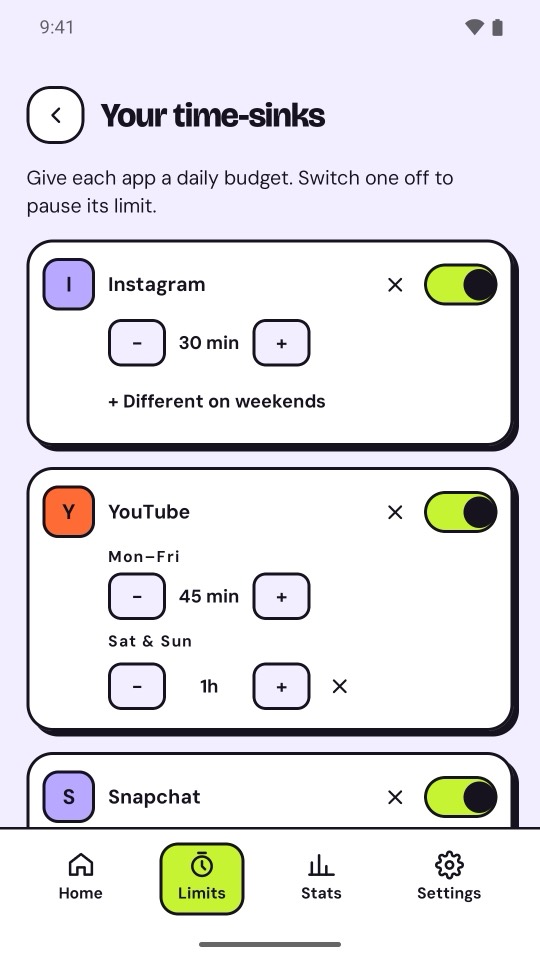
A budget for any app, from 5 minutes to 3 hours. Different limits for weekends, a limit on how often you open an app, and shared budgets for a group of apps.
The Pause screen
Over your limit? Your mascot asks "Woah. Instagram again?", breathes with you for 3 seconds, and asks why you're opening it.
Break reminders
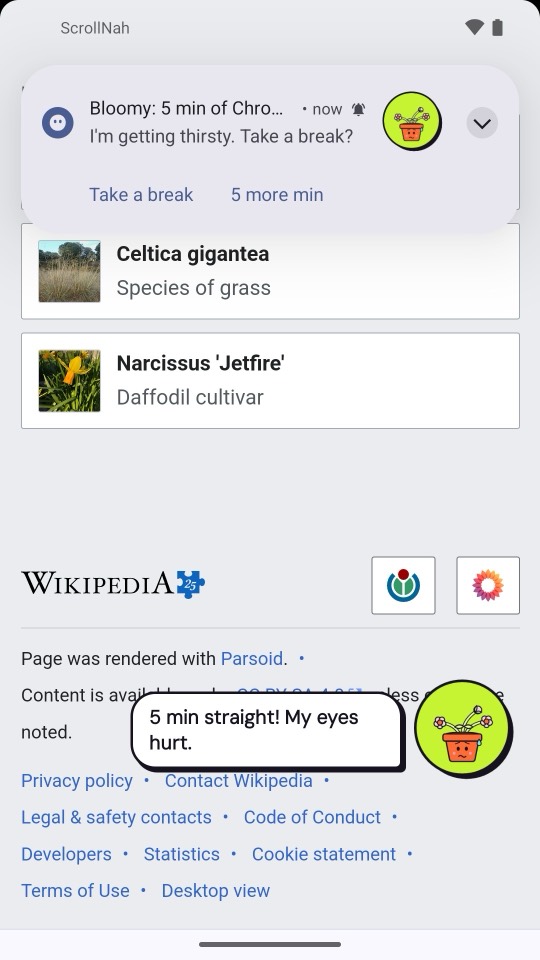
Long stretch on one app? A nudge after 20 minutes (or your own time), as a notification, a mascot bubble, or both.
Grow a garden
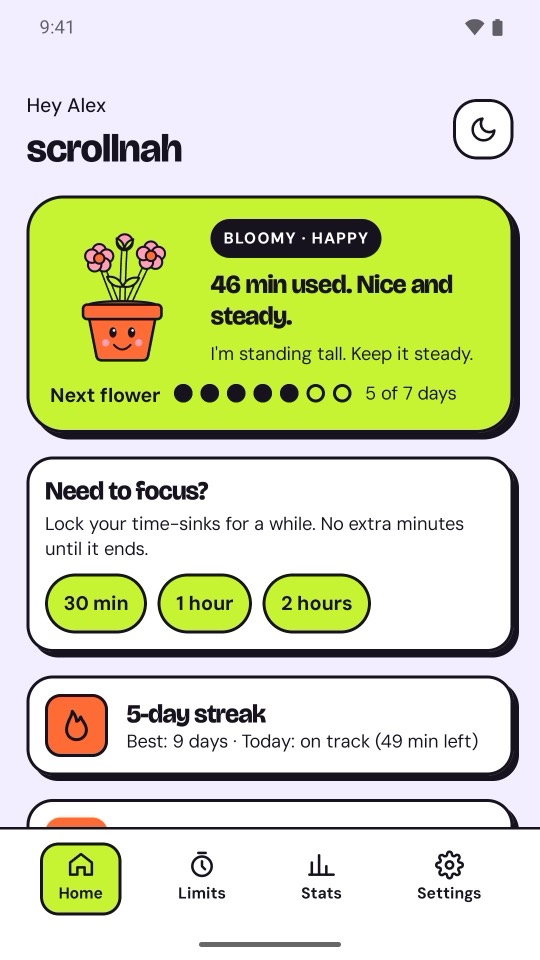
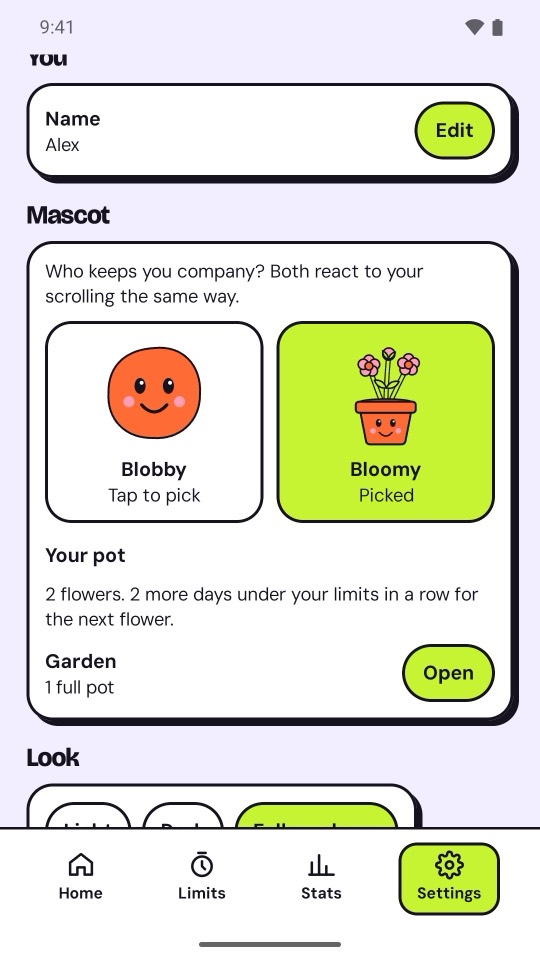
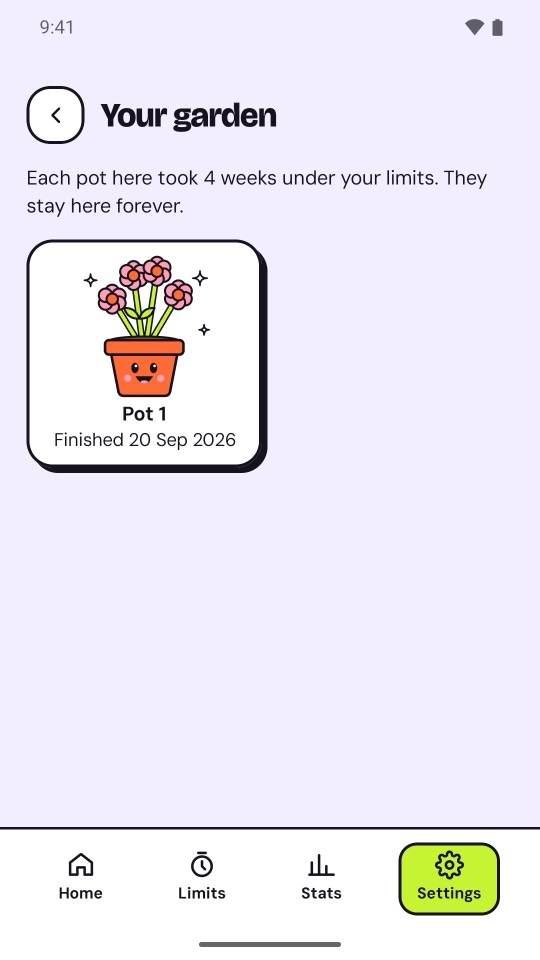
Bloomy grows a flower for every week under your limits. A full pot of 4 flowers moves to your garden for good.
Your week, in detail
Where the time went, your "scroll o'clock", whether the nudges worked, and week-in-review cards you can share.
Focus, bedtime, work hours
Lock your time-sinks for 30 minutes to 2 hours (also from Quick Settings), at night, or during work hours.
Home-screen widgets
Your mascot on your home screen, including an animated one that lives right on your wallpaper.
Private by design
No account, no ads, no analytics. Backups go to a file you pick, never to a server.
How strict should it be?
A gentle nudge when you hit your limit.
The Pause screen: one slow breath, then 5 more minutes if you really need them.
Locked until midnight. No extra minutes, no arguing.
Set up in 2 minutes
- 1
Install it
Free on Google Play, or as an APK from GitHub.
- 2
Pick your buddy
Blobby the blob or Bloomy the plant.
- 3
Allow usage access
So it can count your minutes. Everything stays on your phone.
- 4
Set daily limits
For the apps that eat your day.
- 5
Choose how strict
Chill, Firm or Beast. Change it any time.
How much of your year is scrolling?
That's about 548 movies, every single year. ScrollNah can help you win some of it back.

What's next
Coming to Google Play Already in the GitHub version
Reels & Shorts counter
Counts the Reels and Shorts you scroll, with a daily number and a little badge. Optional and off by default.
Ask how long
Before an app opens, your mascot asks: 5 or 10 minutes? Then it holds you to it.
Parent lock
A PIN, pattern or fingerprint that protects the limits on a child's phone.
On the idea list Vote for what you want next
Friend challenges
You vs a friend: who scrolls less this week?
More mascots
A third buddy to pick from, with its own moods.
ScrollNah for your browser
Limits and a Pause screen for YouTube, Instagram and more on your computer.
Weekly tips
One short, personal tip each week, from your own numbers.
Your idea here
Tell me what you'd like next. Good ideas end up on this list.
Tell me what you think
ScrollNah is made by one person, and your messages decide what comes next. No account needed.
Report a bug
Something broken? Tell me what happened and on which phone, and I'll fix it.
Report a bugGet the news
New versions, new mascots, and what's coming. About once a month, never spam.
Buy me a coffee
ScrollNah is free, with no ads and no tracking. If it gave you some time back, a coffee helps me keep building it.
Good to know
Is ScrollNah really free?
Yes. No ads, no paid version, no account. If it helps you, you can buy me a coffee, but you never have to.
What can ScrollNah see on my phone?
Only how many minutes you spend in the apps you choose to limit, through Android's Usage access. It can't read your messages, photos or what's on your screen.
ScrollNah has no internet access at all, so nothing ever leaves your phone.
Google Play or the GitHub version?
Both are the same app. New features land in the GitHub version first, then come to Google Play after Google's review.
They can't update each other, so to switch you need to uninstall first. Save a backup in Settings > Data before you do, and restore it afterwards.
How does the Reels & Shorts counter work?
It's optional and off by default. Android doesn't tell other apps when you're watching Reels or Shorts, so the counter uses Android's Accessibility service, only to spot those screens and count the videos. It saves only minutes and a number, on your phone.
Some UPI and bank apps refuse to open while any Accessibility service is on. If that happens, switch the counter off.
Will it drain my battery?
No. ScrollNah sleeps while the screen is off and only checks what's on screen while it needs to.
Is there an iPhone version?
Not yet. ScrollNah is Android only for now (Android 8 and newer).